
Nuance
- 2
- 3
- 4
Buy Nuance Software Licenses at SuperKeyStore
Nuance built some of the most widely used desktop tools for speech recognition and document work. Its range covers Dragon dictation software, Power PDF for editing PDF files, OmniPage for text recognition (OCR) and PaperPort for scanning and filing documents. These products suit writers, lawyers, doctors, offices and anyone who handles a lot of paper or typing.
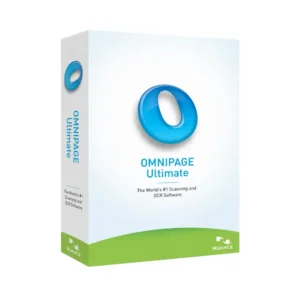
Popular choices here include Nuance Dragon Professional 16, Nuance Power PDF Advanced 2.1 och Nuance OmniPage 19.2 Ultimate. Each order delivers a license key and a download link by email, usually within minutes.
Why buy a Nuance license?
Nuance programs save time on tasks that are slow to do by hand:
- Dictation instead of typing: Dragon turns speech into text in Word, email and most other programs, and learns your voice over time.
- Voice commands: With Dragon you can open programs, format text and correct words by voice, which helps users with repetitive strain or limited mobility.
- Full PDF editing: Power PDF creates, edits, converts, merges and protects PDF files without a monthly subscription.
- Accurate OCR: OmniPage converts scans and photos of documents into editable Word, Excel or searchable PDF files.
- Paper-free filing: PaperPort scans, organizes and previews documents on the desktop, so paper files become a searchable archive.
What are the main features of Nuance software?
Each Nuance product focuses on one job and does it in depth:
1. Dragon speech recognition
Dragon converts spoken words into text in almost any Windows program. Writers, lawyers and people with limited typing ability can produce documents much faster than by keyboard.
2. Voice control of the PC
Commands such as opening a program, selecting a paragraph or sending an email can be given by voice. This helps users with repetitive strain injury work without a mouse.
3. PDF creation and editing in Power PDF
Power PDF edits text and images inside PDF files, converts PDFs to Word or Excel and combines several files into one. Offices replace paper forms and retyping with one tool.
4. OCR in OmniPage
OmniPage reads scanned pages and photos and rebuilds them as editable documents with their layout. Archives, legal teams and libraries use it to digitize large stacks of paper.
5. Document filing in PaperPort
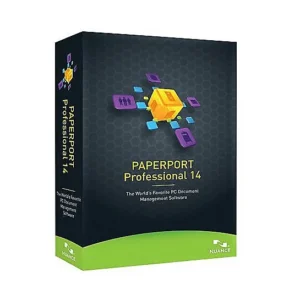
PaperPort shows scanned documents as thumbnails in folders and lets you stack, search and share them. Small offices use it to replace paper filing cabinets.
Which Nuance product is right for you?
Pick Dragon to dictate, Power PDF to edit PDFs, OmniPage to convert scans and PaperPort to manage scanned documents. Within each line, the newer version number brings better accuracy and support for current Windows releases.
| Produkt | Best for | Task | License/term |
|---|---|---|---|
| Nuance Dragon Home 15 | Personal dictation at home | Speech recognition | One-time purchase |
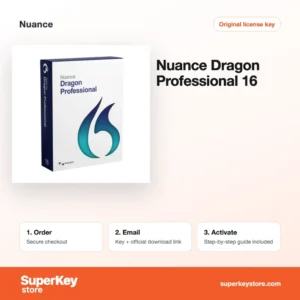
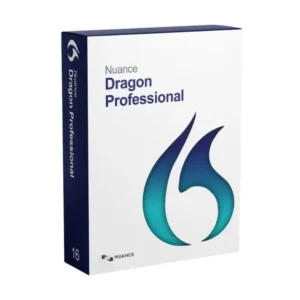
| Nuance Dragon Professional 16 | Professionals who dictate reports and email daily | Speech recognition | One-time purchase |
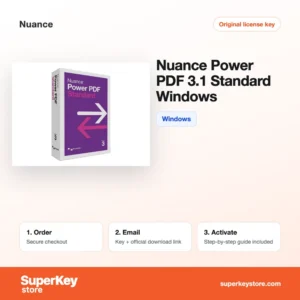
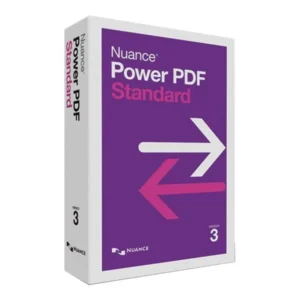
| Nuance Power PDF 3.1 Standard for Windows | Everyday PDF editing and conversion | PDF editor | One-time purchase |
| Nuance Power PDF Advanced 2.1 | Offices that need redaction and security tools | PDF editor | One-time purchase |
| Nuance OmniPage 19.2 Ultimate | Batch conversion of scans to editable text | OCR | One-time purchase |
| Nuance PaperPort Professional 14.5 | Scanning and filing office paperwork | Document management | One-time purchase |
What are the system requirements for Nuance software?
Nuance desktop programs need a Windows PC; check each product's System Requirements tab, because older versions support older Windows releases.
| Komponent | Minimum |
|---|---|
| Operativsystem | Windows 10 or 11 for current versions (older versions list Windows 7 or 8) |
| Processor | Dual-core processor or faster; Dragon benefits from a fast multi-core CPU |
| Minne (RAM) | 4 GB minimum; 8 GB recommended for Dragon |
| Diskutrymme | Several GB, depending on the product and language models |
| Other | Internet for activation; a headset microphone for Dragon |
How do you download and activate Nuance software?
- Choose the Nuance product and version you need and complete your order.
- Receive an email with the serial number and the download link, usually within minutes; a security check can take up to 24 hours.
- Download the installer from the developer's official source given in the email and run it on your Windows PC.
- Enter the serial number when the setup asks for it, then finish activation online.
What happens to my Nuance license if I reinstall or format my computer?
After formatting, install the program again and enter the same serial number. Nuance products are activated online against the serial, so a reinstall on the same PC normally activates again. If the activation limit is reached, contact our support with the order number.
Can I move a Nuance license to a new PC or Mac?
Uninstall the program on the old PC first so the activation is released, then install it on the new PC with the same serial number. Nuance licenses are for Windows; they cannot be moved to a Mac. Copy Dragon user profiles to the new PC if you want to keep your trained voice data.
What if my Nuance key does not work?
Send our support team your order number and a screenshot of the activation message. You will get a replacement key or a refund as set out in the Återbetalningspolicy.
Frequently asked questions about Nuance
Does Nuance Dragon work on a Mac?
No. The Dragon versions listed here run on Windows; Nuance discontinued Dragon for Mac in 2018.
What is the difference between Dragon Home and Dragon Professional?
Dragon Home covers dictation and basic commands for personal use. Dragon Professional adds custom commands, transcription of audio recordings and features for business documents.
Is the German Dragon edition usable in English?
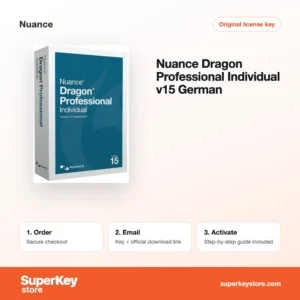
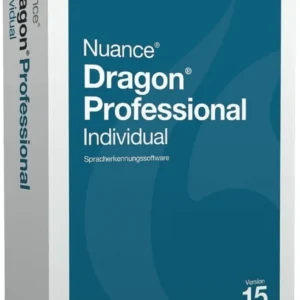
No. Nuance Dragon Professional Individual 15 (German) recognizes German speech, so English speakers should choose an English edition.
Do I need a microphone for Dragon?
Yes. A good headset microphone gives the best accuracy; built-in laptop microphones work but make more errors.
Is Power PDF a subscription?
No. Power PDF is sold as a perpetual license, so you pay once and keep using that version.
Should I buy an older version like PDF Converter Professional 8?
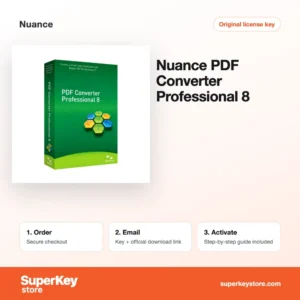
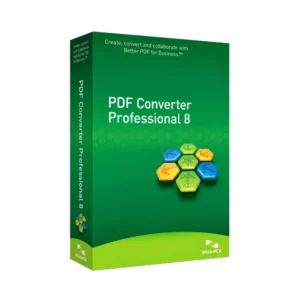
Older versions such as Nuance PDF Converter Professional 8 cost less but may lack fixes for current Windows versions. For a new PC, the newest version is the safer choice.
Can Dragon transcribe audio recordings?
Yes, Dragon Professional transcribes recordings from a supported digital recorder or audio file. Dragon Home does not include this feature.
Is OmniPage needed if I already have Power PDF?
Not always. Power PDF includes OCR for searchable PDFs, while OmniPage is stronger for batch jobs and complex layouts.
Which Dragon version should I buy?
Choose Dragon Professional 16 for work and the newest Windows. Dragon Home 15 is enough for personal letters and email.
Does Power PDF open password-protected files?
Yes, if you know the password. Power PDF Advanced can also add passwords, permissions and redaction to your own files.
Can Nuance software be used in other languages?
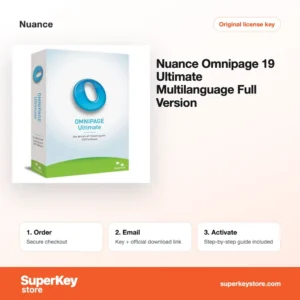
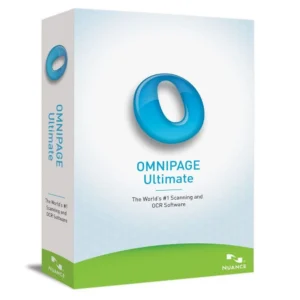
Yes, but each language is a separate product. Dragon editions are sold per language, and OmniPage Ultimate Multilanguage recognizes text in many languages within one license, which helps offices that receive foreign documents.
Is Nuance software still supported?
Partly. Nuance became part of Microsoft in 2022, Dragon is still developed, and older versions such as PDF Converter 8 no longer receive updates. Choose current versions for new installations.
Browse Nuance Software Licenses by type
All Nuance products are listed in Licenser för PDF- & Office-verktyg, next to other PDF editors and office utilities.
Vad ingår när du köper licenser för Nuance hos SuperKeyStore?
Du får ett e-postmeddelande med din licensnyckel, den officiella nedladdningslänken och en aktiveringsguide steg för steg. Det här ingår i varje beställning:
- Licensnyckel: produktnyckeln för den utgåva, giltighetstid och det antal enheter som anges på produktsidan.
- Officiell nedladdning: en länk till installationsprogrammet på utvecklarens egen webbplats.
- Aktiveringsguide: stegen för att installera och aktivera programmet, som också visas på fliken Nedladdning & aktivering.
- Orderhistorik: nyckeln finns kvar i din orderbekräftelse och under Mitt konto.
- E-postsupport: hjälp med installation eller aktivering från vårt supportteam.
Varför köpa programvarulicenser hos SuperKeyStore?
SuperKeyStore säljer digitala licensnycklar med leverans via e-post, säker betalning och tydliga regler för nycklar som inte fungerar. Det här är de främsta skälen till att kunder handlar här:
- Digital leverans: ingen frakt; nyckeln kommer vanligtvis via e-post inom några minuter efter betalningen, och vissa beställningar går igenom en säkerhetskontroll som kan ta upp till 24 timmar.
- Tydlig produktinformation: varje produktsida anger utgåva, plattform, licenstid och antal enheter.
- Ersättning eller återbetalning: om en nyckel inte fungerar får du en fungerande nyckel eller pengarna tillbaka, enligt vår Återbetalningspolicy.
- Säker betalning: betalningar hanteras av betaltjänstleverantören; SuperKeyStore sparar inte fullständiga kortuppgifter.
Andra programvarulicenser i SuperKeyStores sortiment
SuperKeyStore säljer också licenser i dessa kategorier:
- Licenser för Windows: Licenser för Windows 11 · Licenser för Windows 10
- Licenser för Microsoft Office: Licenser för Office 2024 · Licenser för Microsoft Office för Mac · Licenser för Microsoft Word, Excel & Office-appar · Licenser för Microsoft Project · Licenser för Microsoft Visio
- Licenser för Microsoft 365
- Antiviruslicenser: Antiviruslicenser från Norton · Antiviruslicenser från McAfee · Antiviruslicenser från Kaspersky · Antiviruslicenser från Bitdefender · Antiviruslicenser från ESET · Antiviruslicenser från Avast · Antiviruslicenser från AVG · Antiviruslicenser från Panda · Licenser för VPN · Licenser för företagssäkerhet
- Windows Server-licenser & CAL: Windows Server CAL- & RDS CAL-licenser · Licenser för Microsoft SQL Server · Licenser för Exchange & SharePoint Server
- Licenser för CAD & 3D-design: Licenser för Autodesk · Licenser för Graphisoft Archicad · Licenser för SolidWORKS
- Licenser för grafisk design & foto: Licenser för Adobe · Licenser för CorelDRAW
- Licenser för PDF- & Office-verktyg
- Licenser för backup & dataåterställning
- Licenser för video- & musikprogram
- Licenser för virtualiseringsprogram
- Licenser för Office- & Windows-paket